ClockTide
How it works
Create a session
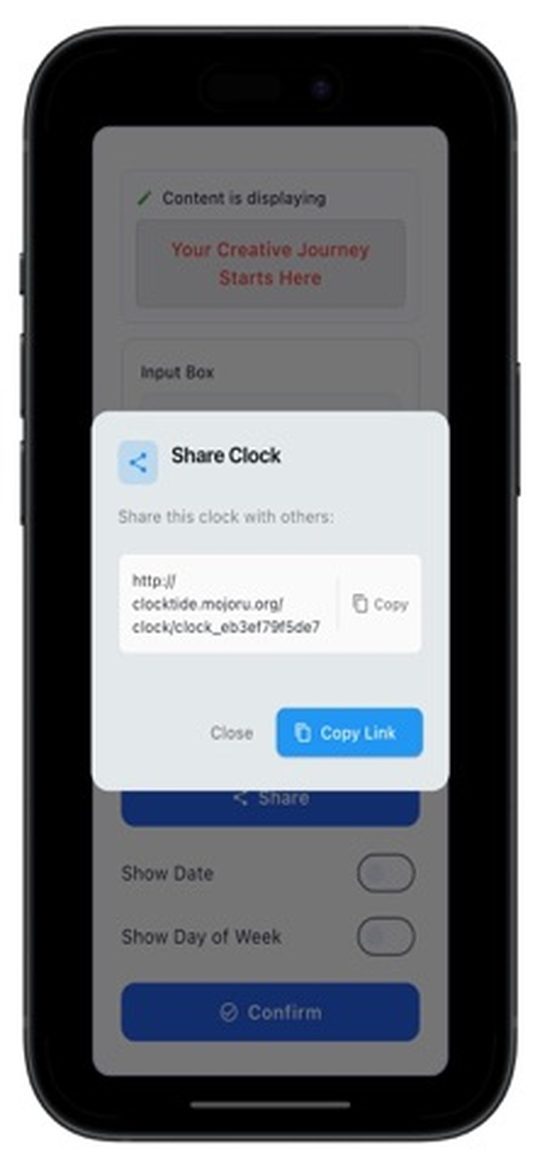
Open ClockTide on your iPhone and create a session — you get a share link instantly.
Open it on any screen
Open the link in a browser on a TV, laptop, tablet or another phone. No app needed there.
Control from your phone
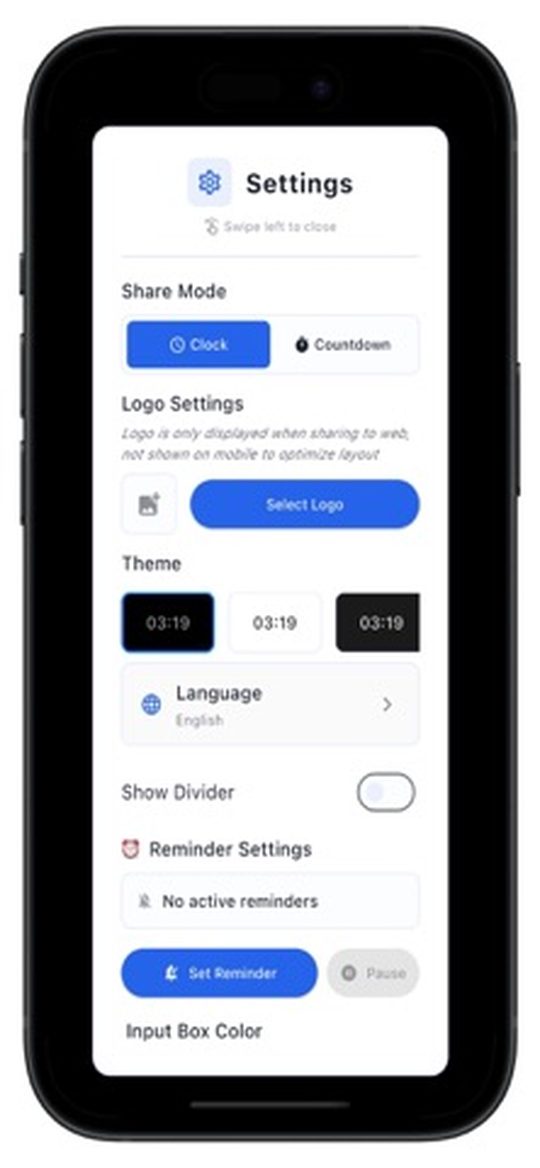
Switch themes, start a countdown or send a message — every screen updates in real time.
Screenshots
Features
🕐
Real-time sync
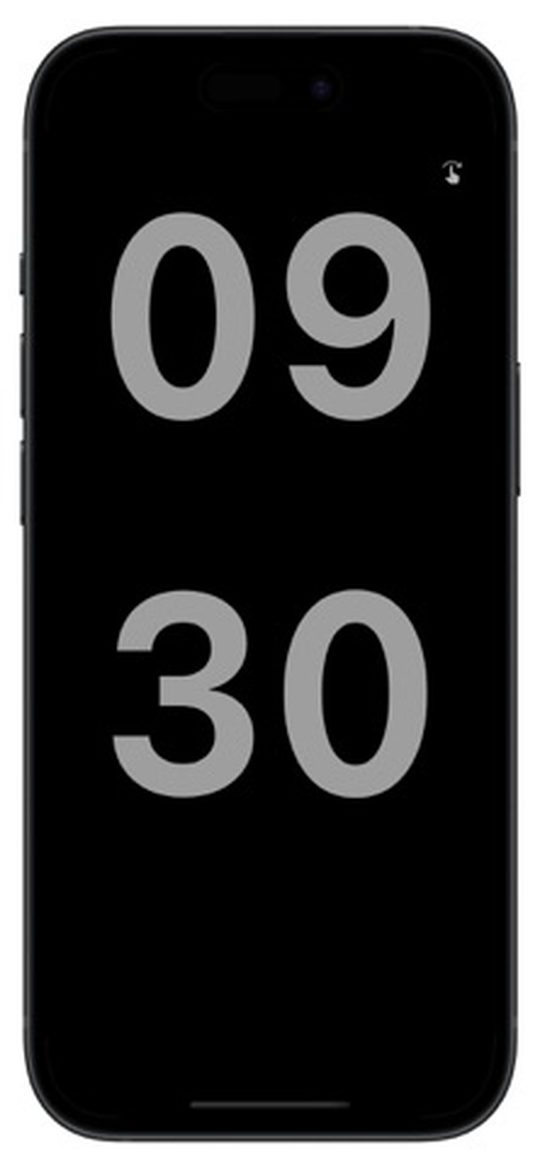
Show the same clock on as many screens as you like — perfect for stages, meetings, classrooms and home.
⏱️
Synced countdowns
Start, pause and stop countdowns that stay perfectly in step on every display.
💬
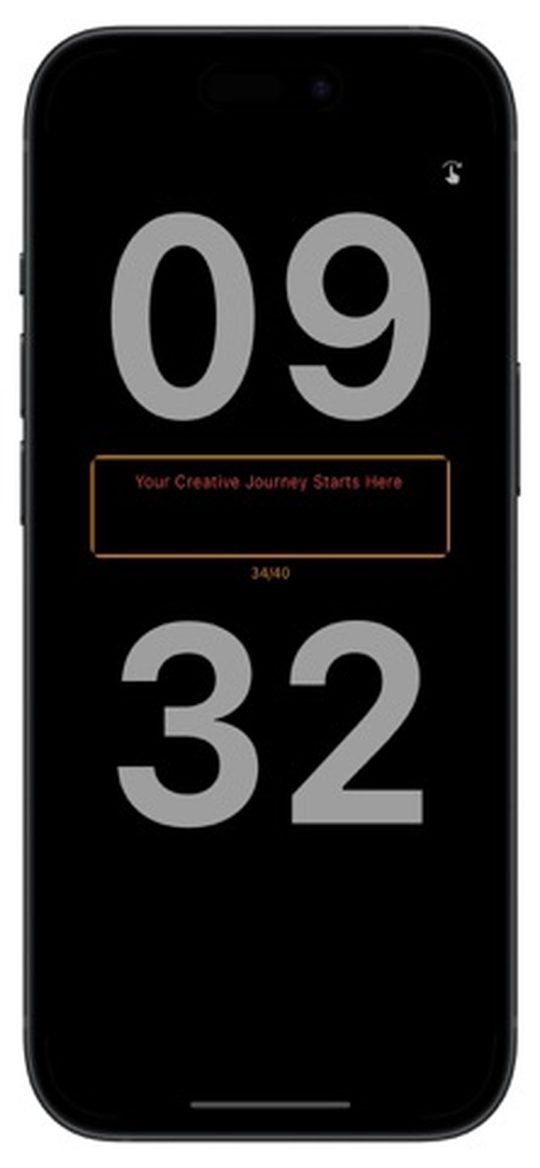
Push messages
Send a message from your phone as a pop-up card or a scrolling marquee.
🎨
14 themes and your logo
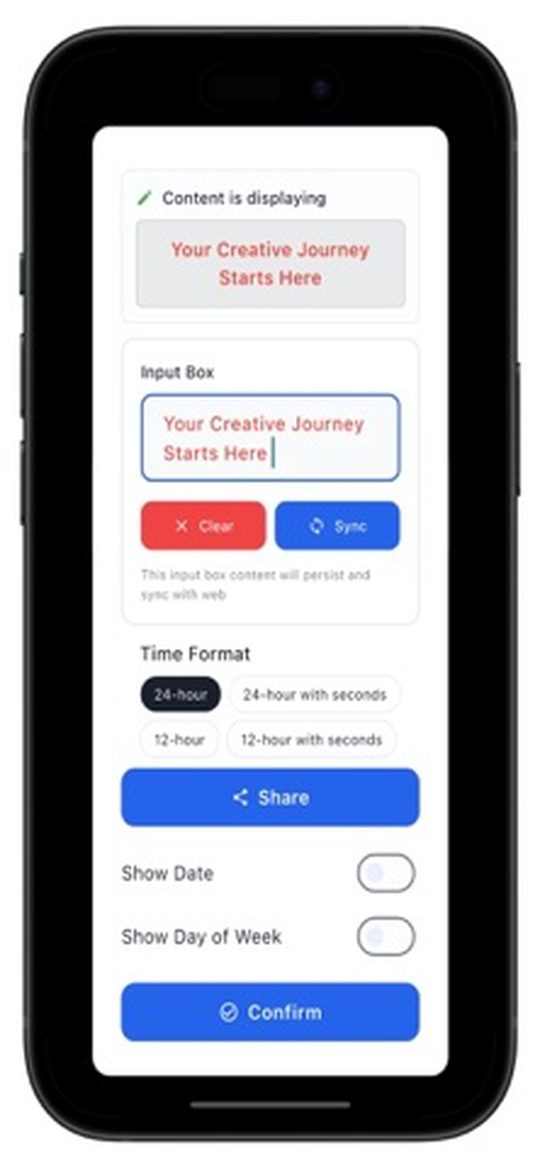
From Classic Black to Racing Red — plus time formats, date display and a custom logo.
⏰
Smart reminders
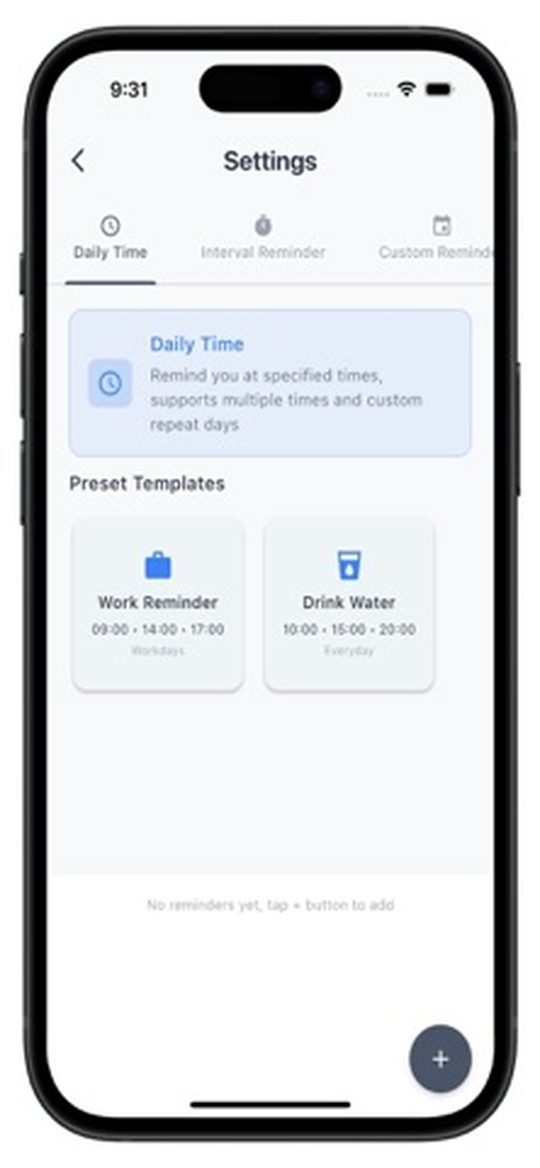
Presets for work sessions, hydration, Pomodoro and eye-rest breaks.
🌍
Time zones and 10 languages
Accurate time wherever the screen is, in the language of your device.